Start the session
Registered players or walk-in guests. Keep track of PC and console time without switching tools.
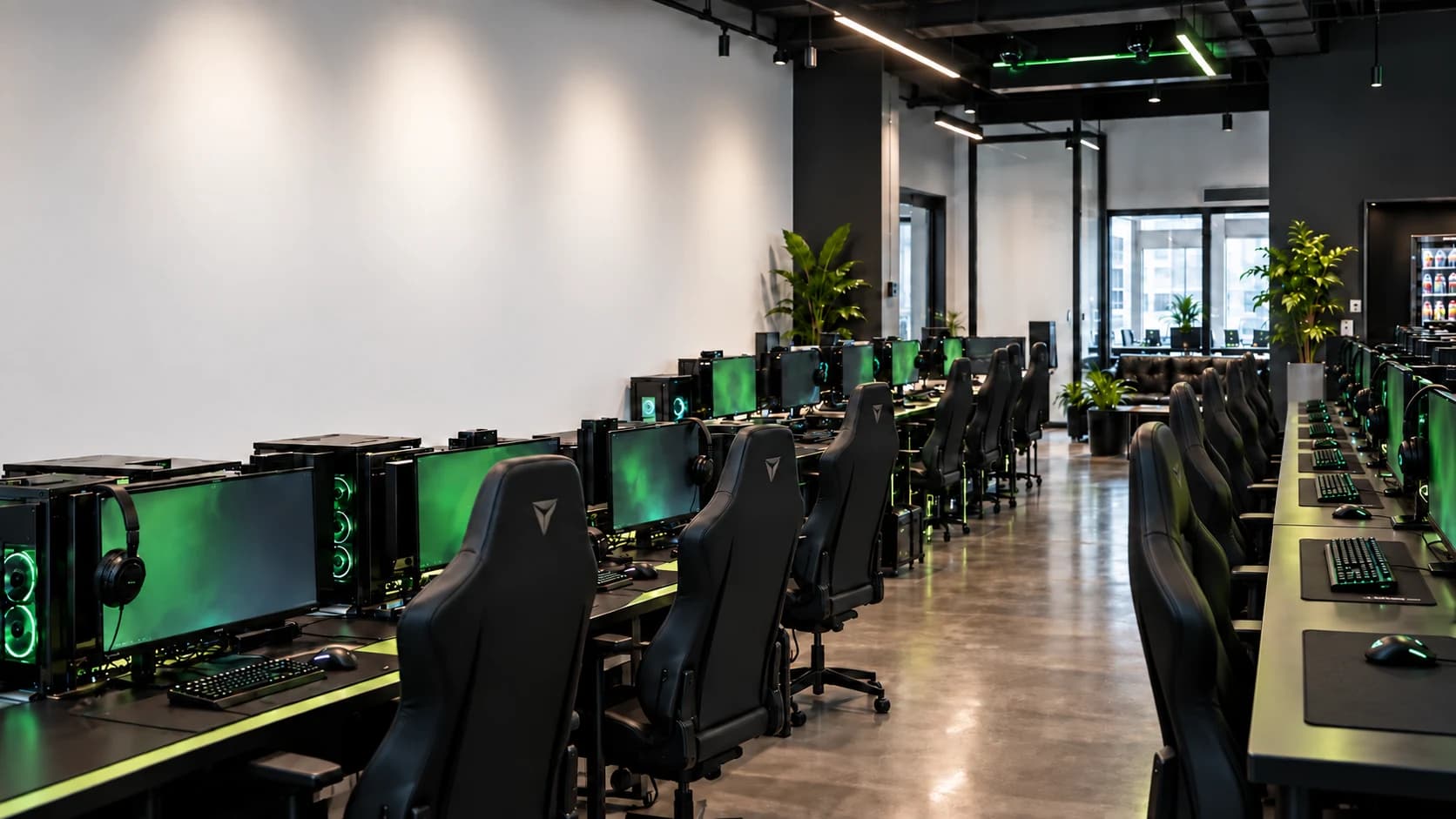
Your club. Under control.
PCs, consoles, sessions and sales.
One clear view of your gaming venue.
A clear view for the operator. A simple experience for the player.
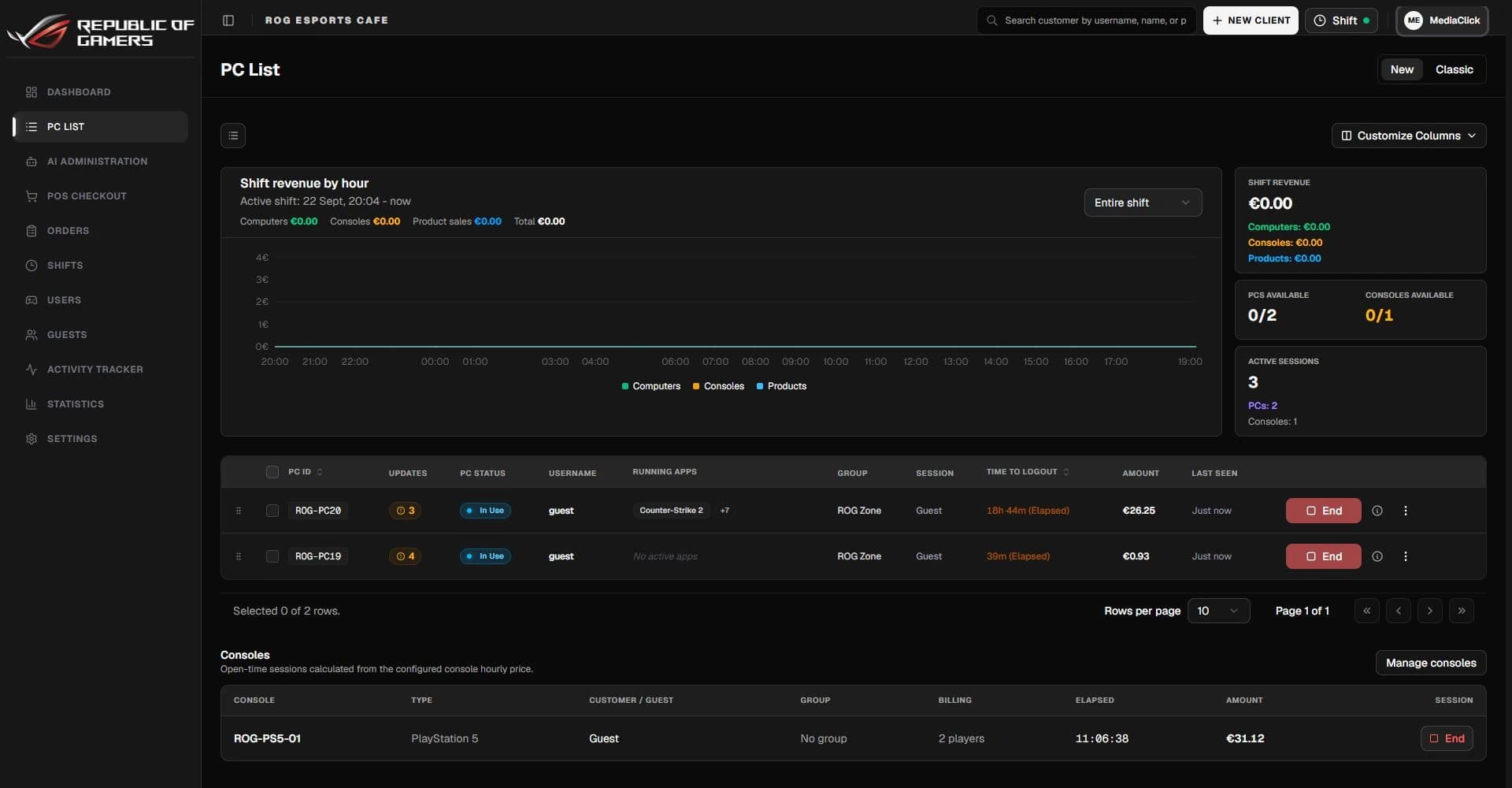
Registered players or walk-in guests. Keep track of PC and console time without switching tools.
Manage shop sales, time packages and customer balances in the same daily workflow.
Review sessions, sales and staff shifts. See what happened before closing the day.
From your first row of PCs
to a full gaming floor.
For smaller venues getting started.
€5/ PC / month
For busy clubs with a shop and regulars.
€4.50/ PC / month
For larger venues and multi-zone operations.
€4/ PC / month
Practical answers.
No small-print promises.
Yes. The admin dashboard tracks computer and console sessions, time and charges. Console session tracking does not require or promise remote power control of the console.
No. Operators can start a guest session and settle it when it ends. Registered players can use their own accounts, balances and time packages.
LANOps uses a Windows client on each managed PC and a web-based admin panel. During the demo, we review your Windows setup, network and game launchers before agreeing on installation.
No. Your club provides the game licenses and launcher accounts it is entitled to use. Supported launcher and license workflows are configured for your games.
Tell us about your club and the number of PCs and consoles. We will discuss your setup and arrange a walkthrough before you decide.
A walkthrough built around your venue,
not a generic sales pitch.
Opens your email app. Nothing is sent automatically.